
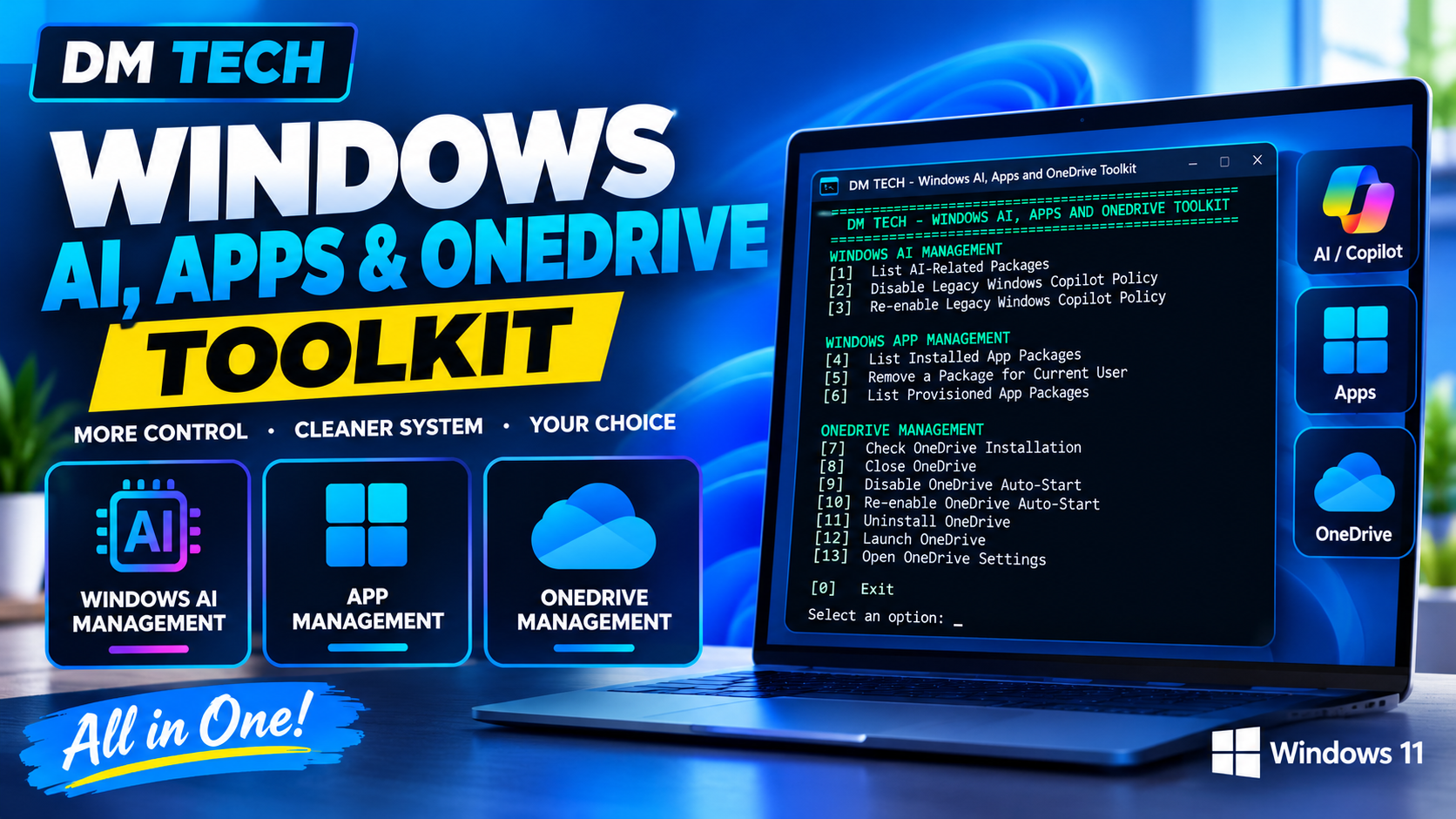
BAT Scripts
RAR
Remove Windows AI, Manage Apps & Control OneDrive!
- Version
- —
- Updated
- Nov 28, 2026
- Downloads
- 97
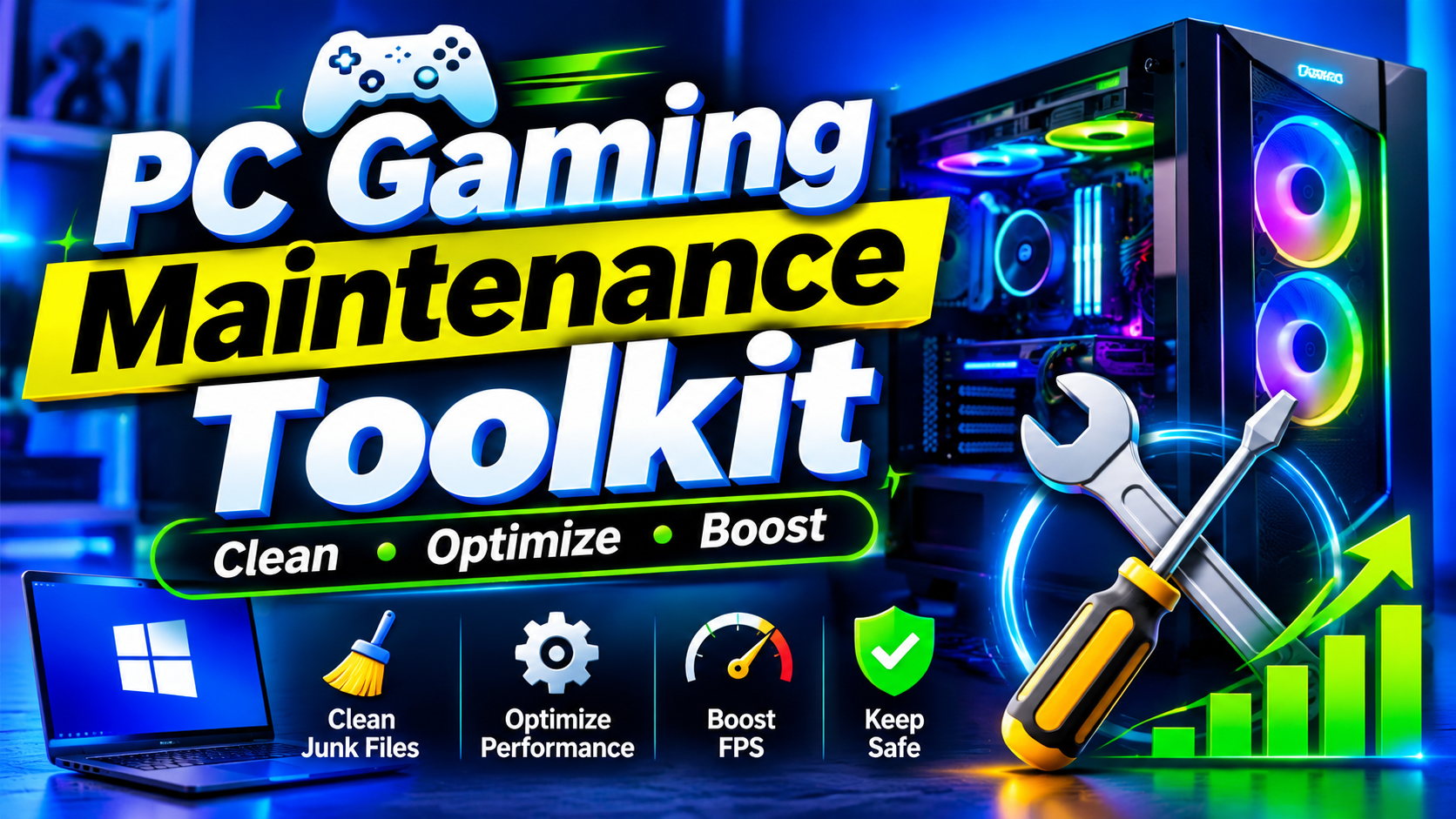
This BAT toolkit helps gamers maintain their Windows PC, clean temporary files, check system health, monitor disk space, repair Windows files, check network connectivity, and manage gaming-related maintenance tasks.
Requires administrator rights — right-click the file and choose Run as administrator.
DM TECH never runs scripts on your PC or on our servers — files are provided exactly as published so you can inspect them first. Scripts are plain text: open them in Notepad to review every command. Always create a restore point before applying system-level changes, and only run files on your own computer.
Files are delivered over a short-lived secure link. Nothing is executed on our servers.
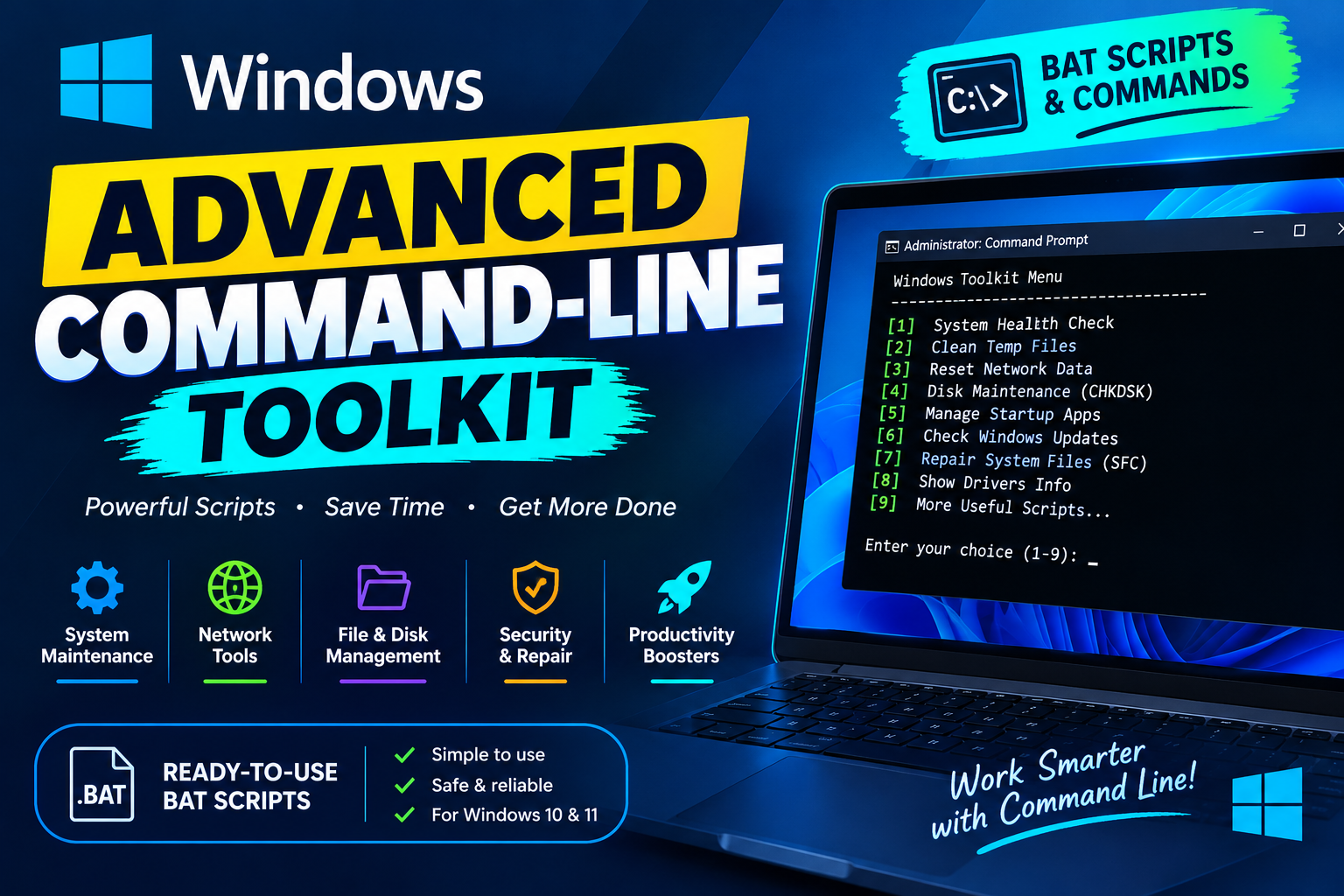
Join the free newsletter for new scripts, toolkits and Windows fixes.