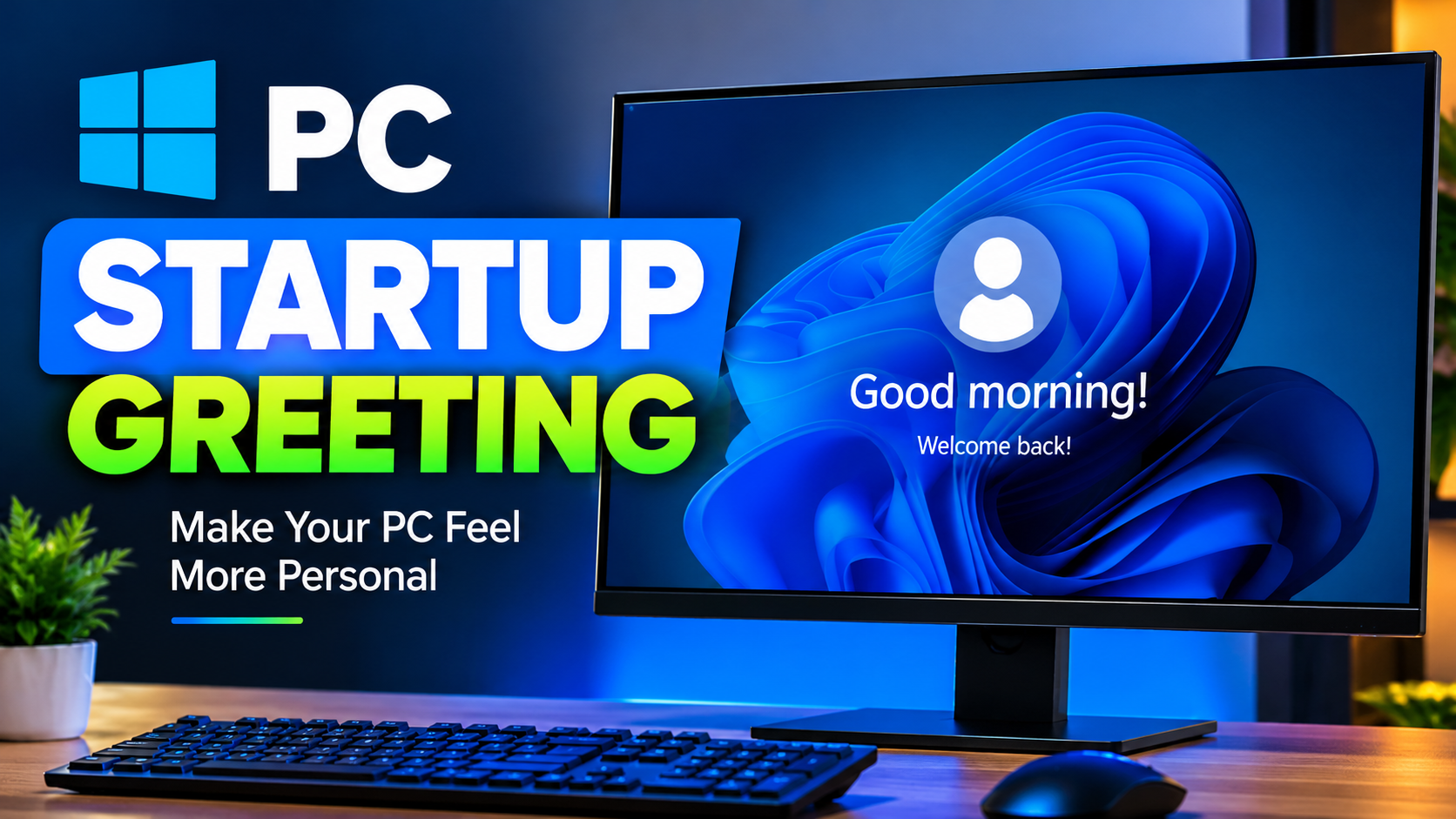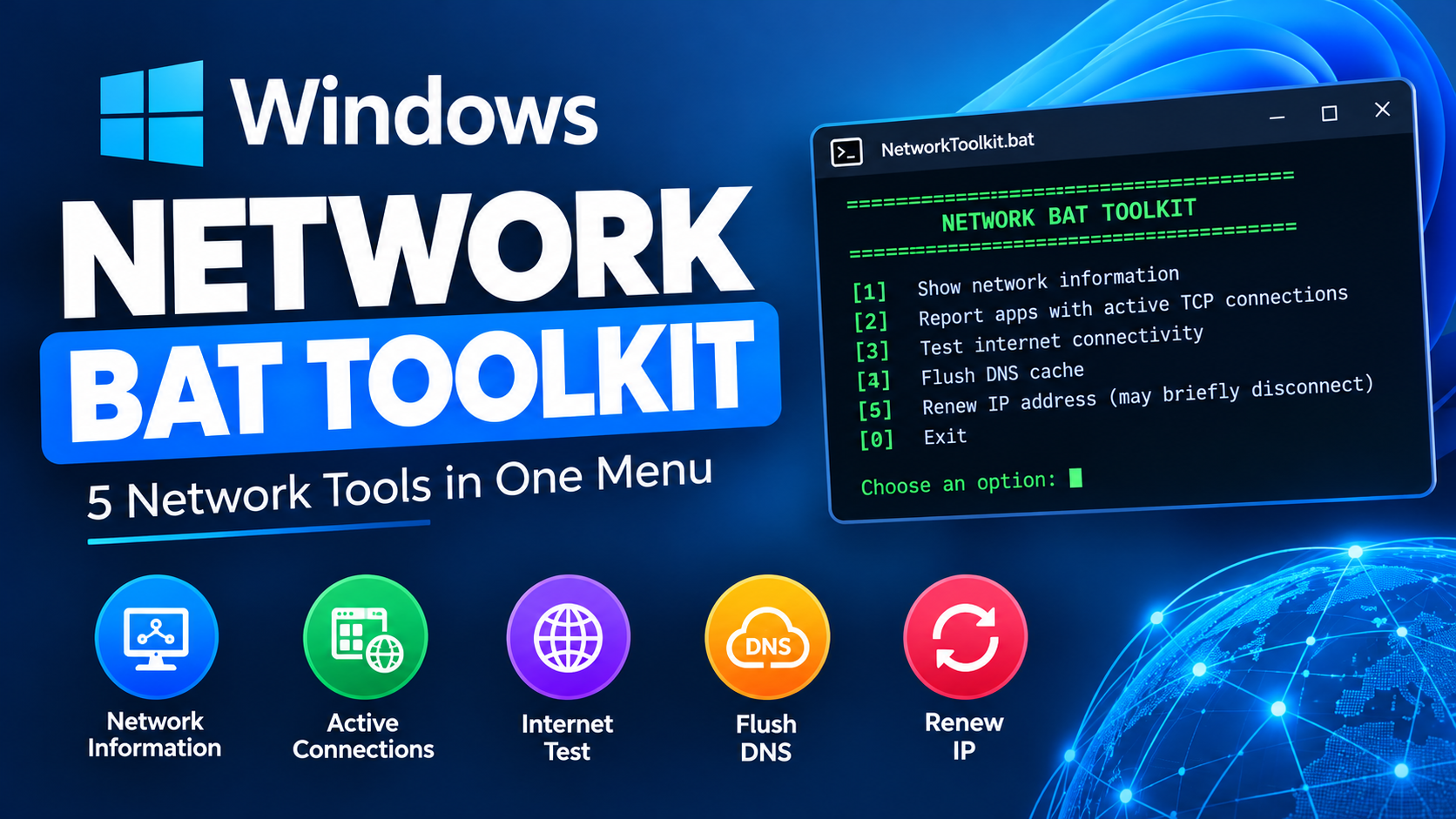
PC Startup Greeting

PC Startup Greeting
File name
PC Startup Greetings.rar
Version
—
File format
RAR
File size
524 bytes
Last updated
Nov 18, 2026
Compatibility
—
Downloads
17

What this script does

No description has been added for this file yet.

Safety warnings and instructions

DM TECH never runs scripts on your PC or on our servers — files are provided exactly as published so you can inspect them first. Scripts are plain text: open them in Notepad to review every command. Always create a restore point before applying system-level changes, and only run files on your own computer.

How to run it

  1. 11. Download the BAT script from the DM TECH website.
  2. 22. Run the script by double-clicking the downloaded .bat file.
  3. 33. Open the Startup folder( Press Windows + R, type shell:startup, and press Enter.
  4. 44. Add it to Startup ( Copy DMTECH_Greeting.bat into the Startup folder. The greeting should run automatically when you sign in to your Windows account.
  5. 5Important: This runs at sign-in, not immediately when you press the power button. Test the BAT file first to make sure the voice works on your PC.
  6. 6You can customize the spoken message to say something like: “Welcome back! DM TECH is ready. Let's get things done!

Files are delivered over a short-lived secure link. Nothing is executed on our servers.
Related downloads

Get new tools as they are released

Join the free newsletter for new scripts, toolkits and Windows fixes.

No spam. Unsubscribe anytime. Your details are never sold.