
Recover Deleted Files on Windows
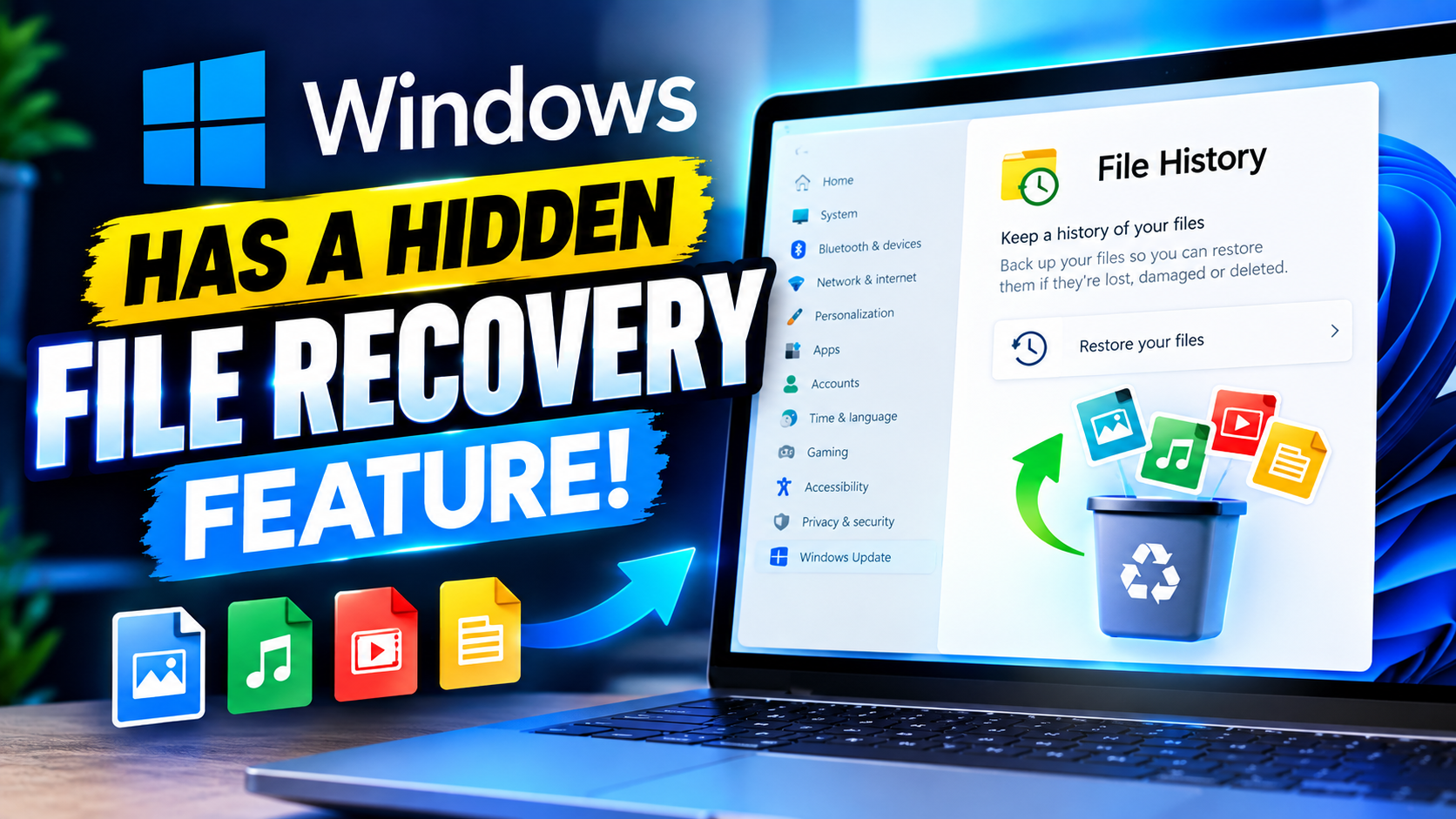
DM TECH video tutorial on recovering deleted files on Windows 10 and 11, with a downloadable toolkit attached.
Watch the video: Recover Deleted Files on Windows (DM TECH on Facebook)
The written step-by-step instructions for this tutorial are still being prepared. The download attached to this tutorial is available below.
Press Windows + R.Type sysdm.cpl and press Enter.
2. click the System Protection tab.
3. Select your C: drive and click Configure.
4. Choose Turn on system protection, then click Apply and OK.
5. Click Create to manually create a restore point and Give it a name and click Create.
6. Open File Explorer Once the restore point is created
7. Right-click your C: drive and select Properties.
8. click the Previous Versions tab.
Community questions about this
No community questions on this topic yet — ask the first one.
Get Powerful Windows Tips Straight to Your Inbox
New guides, scripts and fixes — free, unsubscribe any time.